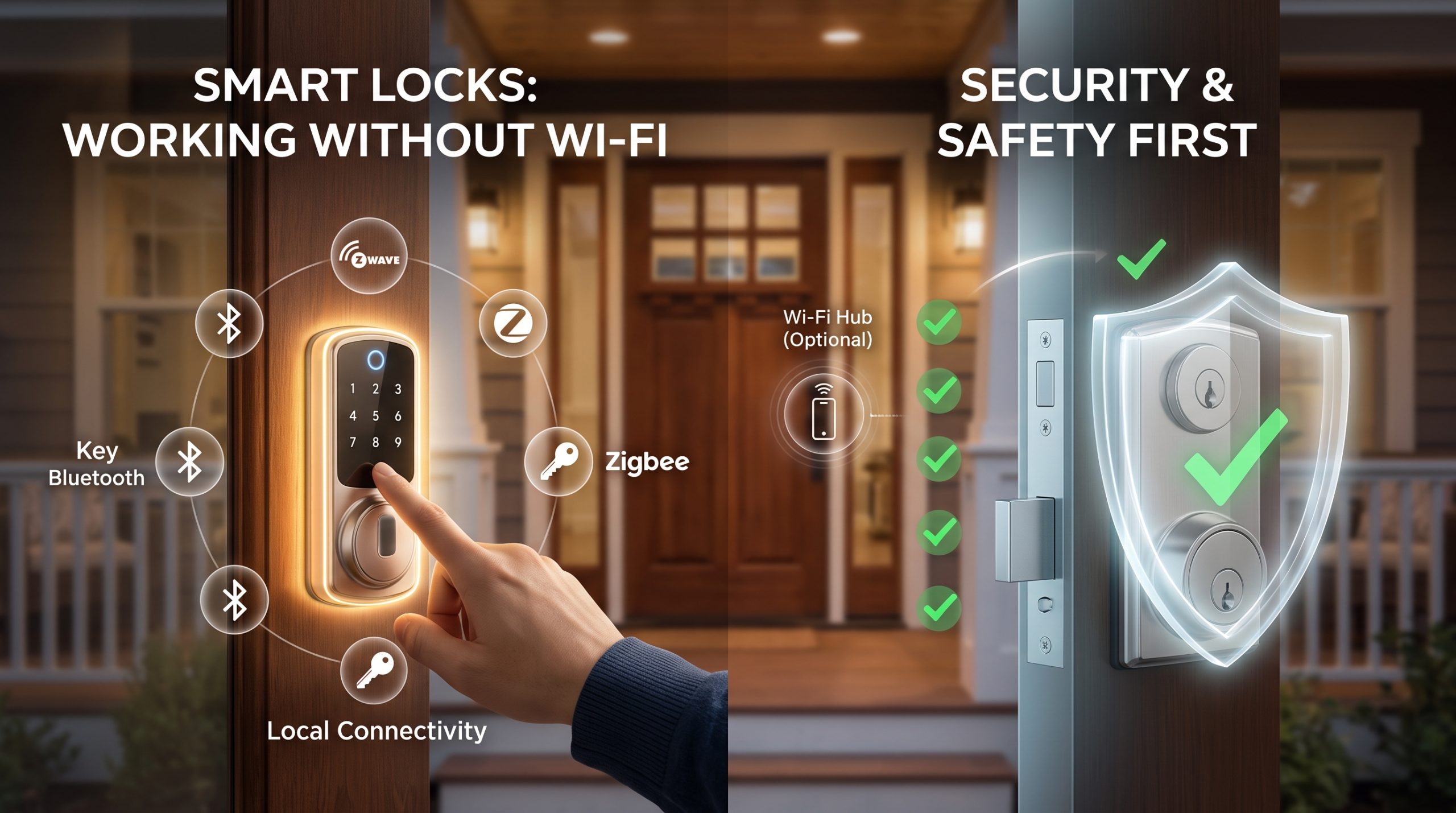
Yes. Most smart locks still lock and unlock without Wi-Fi, using a keypad code, Bluetooth from your phone, a key fob, or a physical key. Only the remote features (locking or checking the lock while you are away) need an internet connection. Locks that run on Zigbee, Z-Wave, or Thread talk to a nearby hub, not your broadband, so they keep working locally even in an outage. As for safety, a good smart lock is hard to pick or hack. The more realistic weak points are a dead battery, a code someone watches you type, and the strength of the door and frame it is bolted to.
That is the short version. The longer version matters, because the internet is not the thing most likely to lock you out or let someone in. Below is exactly what keeps working offline, what you give up, and where the real risk actually sits.
What still works when the internet is down
Think of a smart lock as two separate machines sharing one body. There is the lock itself, a motor that throws a deadbolt, plus a keypad, a Bluetooth radio, and usually a slot for a real key. Then there is the connectivity layer, the part that talks to your phone or the cloud.
When Wi-Fi drops, only the connectivity layer goes quiet. The lock does not. You can still:
- Punch in a keypad code
- Unlock over Bluetooth when your phone is within range
- Tap a key fob or an NFC card, if your model supports it
- Turn it by hand from inside
- Use the physical key, if the lock has a keyway
None of those depend on the internet. Your saved codes, fingerprints, and fobs live on the lock itself, so they still work whether your router is on or off. An internet outage is an inconvenience for the app, not a lockout for you.
The ways smart locks connect (and what each does offline)
Not every "smart" lock is smart in the same way. How yours behaves without Wi-Fi depends entirely on which radio it uses. Here is the plain version.
| Connection type | How it talks | Works without Wi-Fi? | What you lose offline |
|---|---|---|---|
| Keypad only (no radio) | Codes typed on the lock | Yes, fully | Nothing, it was never online |
| Bluetooth | Direct to your phone, in range | Yes, in range | Remote access; you must be nearby |
| Zigbee / Z-Wave | Through a local hub | Yes, locally | Remote access if the hub also needs the cloud |
| Thread (often Matter) | Through a local hub or border router | Yes, locally | Remote access and voice commands |
| Wi-Fi | Direct to your router and the cloud | Local key/keypad still works; app control does not | App unlock, remote lock, notifications |
The important line in that table: even a pure Wi-Fi lock does not go dead in an outage. The motor, keypad, and key still work. You just lose the phone-and-cloud conveniences until the connection returns.
Zigbee, Z-Wave, and Thread deserve a note, because they confuse a lot of buyers. These are short-range mesh radios, not internet connections. They connect the lock to a hub sitting in your home. Because the conversation happens locally, a Zigbee or Z-Wave lock can be controlled from a hub or a wall keypad even with the broadband down, as long as that hub does its work locally rather than routing everything through a server. Matter running over Thread behaves the same way: local control keeps working, while voice assistants and remote access need the cloud back.
What you actually lose without Wi-Fi
Being honest about the trade is the whole point. Without an internet connection, you give up:
- Remote locking and unlocking. No letting the dog walker in from your office.
- Away-from-home status checks. You cannot glance at the app to confirm you locked up.
- Push notifications. No alert when a specific code is used or the door is left ajar.
- Voice assistant control. "Lock the front door" through a smart speaker usually routes through the cloud.
- Auto-updates and remote code changes. You may have to add or delete codes at the keypad instead of from the app.
What you keep is everything that matters for getting in and out of your own home. That is the honest framing: Wi-Fi is a convenience and monitoring upgrade, not the thing that unlocks your door.
Are smart locks safe? Separating the hacking fear from the real risk
The fear most people bring to this question is a stranger hacking the lock from a laptop across the street. That is the least likely thing to happen. Reputable smart locks use strong encryption on their radios, and a burglar is not going to sit outside brute-forcing your Bluetooth when a window or a pry bar is faster and quieter.
Here is the reframe worth sitting with: a smart lock is only as secure as the deadbolt and the door it is attached to. Most smart locks are ordinary deadbolts with electronics added. The bolt, the strike plate, and the screws holding it into the frame are what stop a shoulder or a kick, and those are mechanical, not digital. A high-grade deadbolt with long screws into the framing stud is more meaningful to your security than any app feature. A weak door in a weak frame is a weak door whether the lock is smart or not.
So the "is it safe" question splits into two very different risks, ranked by how likely they actually are:
| Risk | How often it actually bites | What to do about it |
|---|---|---|
| Dead battery or lost phone | Common. This is the real one. | Keep a physical key or a backup code; watch the low-battery warning |
| Weak door, frame, or strike plate | Common and usually ignored | Upgrade to a solid door and long strike-plate screws |
| Someone watching you type a code | Occasional, situational | Shield the keypad; change codes; use one-time guest codes |
| Weak app or account password | Occasional, and it is on you | Use a strong, unique password and two-factor login |
| A hacker cracking the lock's radio | Rare | Buy a reputable lock; keep its firmware updated |
Notice the pattern. The scary risk, remote hacking, sits at the bottom. The boring risks, batteries and doors and passwords, sit at the top. Content trying to sell you a lock rarely leads with that, because "your door frame is the weak point" does not sell electronics.
The weak points nobody selling a lock leads with
A few things deserve to be said plainly, because the vendor blogs skip them.
Batteries die, and that is your most likely lockout. Smart locks run on batteries, often lasting somewhere in the range of several months to about a year depending on the model, how often the lock is used, and the weather. Cold weather drains batteries faster, so an exterior lock in a hard winter needs closer attention. Almost every lock warns you well before it dies, and many keep a physical key backup for exactly this reason. Some let you press a spare battery against external contacts to wake the lock for one entry. Know which of these your lock offers before you need it.
A keypad code can be watched. Someone standing nearby, or a camera pointed at your door, can catch the digits you press. Shield the pad with your hand, change the code periodically, and give guests their own temporary code you can delete later instead of sharing your main one.
Your account is a door too. If your smart lock account uses a weak or reused password, that is a real way in, and it has nothing to do with the lock's hardware. Use a strong, unique password and turn on two-factor authentication. This is the security most people control and most people skip.
Auto-unlock can misfire. Features that unlock the door automatically when your phone is "home" are convenient, but geofencing is not perfect. A phone that briefly reconnects can unlock a door you thought was secure. If that makes you uneasy, leave auto-unlock off and unlock deliberately.
None of this means smart locks are unsafe. It means the safety conversation belongs on batteries, backups, doors, and passwords, not on hacking.
Always keep a backup way in
The single rule that prevents almost every bad smart-lock day: never rely on only one way to open your door. Keep a physical key hidden with someone you trust, or make sure at least one keypad code is memorized by everyone in the household, or both. If your lock has a keyway, do not lose the key just because you stopped using it. A backup entry method turns a dead battery from an emergency into a shrug.
Can you install it yourself?
For most homeowners, yes. The common retrofit and replacement smart locks are designed to swap in where your existing deadbolt sits, using the same standard door prep. If your current deadbolt came off with a screwdriver, a replacement smart deadbolt usually goes on the same way, in well under an hour. Some retrofit models are even easier: they mount over the inside of your existing deadbolt and turn the thumb-latch you already have, so the outside of your door does not change at all. Those are especially friendly for renters, since nothing about the exterior lock is altered.
There are two cases where you should route the job to a locksmith or a pro. First, if installing the lock means modifying the door, drilling new holes, or adapting a mortise lock (the kind set into the edge of the door rather than bolted through the face), that is real carpentry and easy to get wrong. Second, any lock that ties into hardwiring or a building access system is not a weekend job. When in doubt, a locksmith getting the alignment and the strike plate right is worth it, because a misaligned bolt is both annoying and a genuine security weakness.
A smart lock is part of a layered home setup, not the whole thing. If you are planning your defenses more broadly, our guide to building a smart home security system with no monthly fee covers how locks, cameras, and sensors fit together without a subscription. When you add cameras to the mix, it is worth reading wired vs wireless security cameras to weigh reliability against easy installation, and if any camera can see a neighbor's property, check the rules first in our overview of security camera placement and privacy laws.
FAQ
Do smart locks stop working if the internet goes down?
No. The lock keeps working with its keypad, Bluetooth, key fob, or physical key. Only remote features like app control, status checks, and notifications stop until the internet returns.
Can a smart lock be hacked?
It is possible in theory, but rare in practice with a reputable lock and updated firmware. The far more likely problems are a dead battery, a watched keypad code, or a weak account password, none of which involve hacking the lock's radio.
What happens if the battery dies?
Most locks warn you days or weeks ahead of time. If it does die, you use the physical key backup if your model has one, or some locks let you briefly power them from an external battery to get in. Keeping a backup entry method means a dead battery is never a real lockout.
Are smart locks more secure than a regular deadbolt?
Not automatically. A smart lock is usually a deadbolt with electronics added, so its physical strength depends on the lock grade, the bolt, the strike plate, and the installation, the same as any deadbolt. The smart part adds convenience and access logs, not extra resistance to force.
Can I install a smart lock myself?
Usually yes. A retrofit lock that mounts over your existing deadbolt, or a replacement deadbolt that uses standard door prep, is a common do-it-yourself swap in under an hour. Call a locksmith if the job requires modifying the door, drilling new holes, adapting a mortise lock, or wiring into a building system.

I’m John Smith, the founder of Homegadgetguru.com. I use my IT background to extensively test home automation setups in my own house, giving you the hands-on, practical advice you need to build a smarter, more connected home.