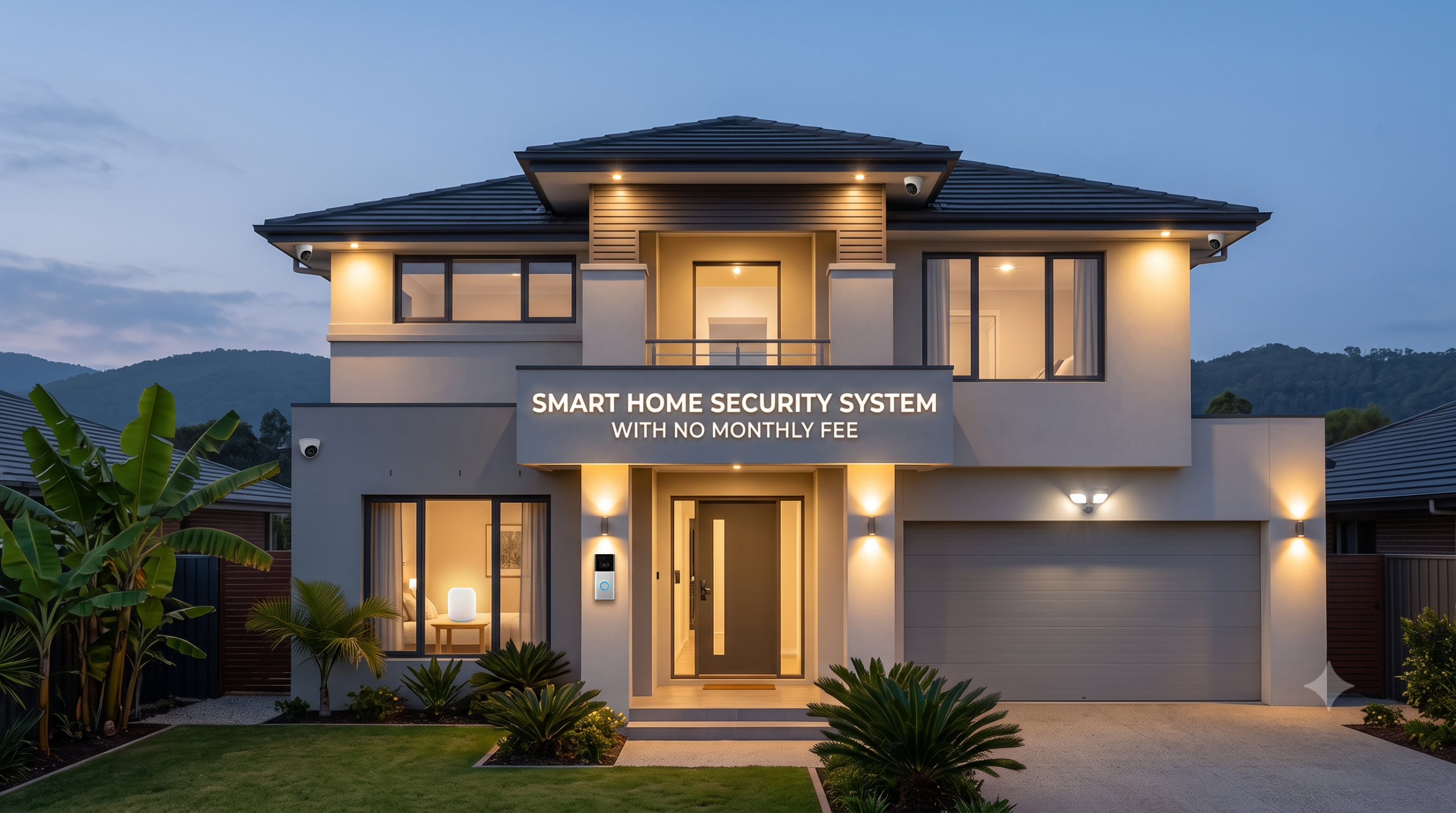
Yes, you can build a real smart home security system with no monthly fee. The trick is to choose devices that store footage locally (on a microSD card or a base station) instead of on a paid cloud, so live view and motion alerts still reach your phone for free. Start with a video doorbell and one or two cameras at your main entry points, add door, window, and motion sensors, and connect everything through a hub or the manufacturer's app. Anything that plugs in or runs on batteries is a do-it-yourself job. Anything wired into your home's mains power should be installed by a licensed professional.
That is the whole plan in one paragraph. The rest of this guide is the build order: what to buy first, what actually needs a subscription versus what works free, where the do-it-yourself line is, and the honest part most guides skip, which is what a no-fee system will not do for you.
The two decisions to make before you buy anything
Most beginner guides send you straight to a product list. Do not start there. Start with two questions, because your answers decide every device you pick.
Decision one: do you want to avoid a subscription? If yes, you are shopping for one feature above all others: local storage. A device that records to a microSD card, a base station, or a network video recorder (NVR) keeps your footage on hardware you own, which is what removes the monthly bill. Cloud storage is the thing you are usually paying for. When a product page says "requires a plan for video history," that is the subscription talking.
Decision two: what can you safely install yourself? Battery and plug-in devices are genuinely beginner-friendly. Peel, mount, pair to the app, done. But the moment a device connects to your home's mains wiring, a wired doorbell replacing an existing chime, a hardwired camera, or a mains-powered floodlight, that is an electrician's job, not a weekend project. We will mark that line clearly below.
Hold those two answers in your head. They turn a confusing wall of products into a short, sensible shopping list.
Layer 1: cover your entry points first
Burglars use doors and first-floor windows, so your first dollar should protect those, not a far corner of the backyard. Two device types do the most work here.
A video doorbell watches your most-used entrance and is often the single most useful device in a home security setup. For a no-fee build, pick a model that records to local storage and gives live view and motion alerts without a plan. Many battery doorbells fit this description and install with a bracket and two screws. A wired doorbell that taps into your existing chime wiring is the exception. Because that is mains-adjacent low-voltage work that can vary by home, route it to a professional if you are not certain what is behind your current button. The wiring trade-offs are worth understanding before you choose, which we cover in wired vs. wireless security cameras.
Door and window contact sensors are cheap, tiny, and the backbone of intrusion detection. Each one is two pieces (a magnet and a sensor) that stick to a door or window and its frame, and they tell you the instant something opens. These are pure do-it-yourself, no wiring, no drilling. Cover every ground-floor door and the windows a person could actually reach.
Layer 2: add cameras where they close a real gap
Once entry points are covered, add cameras only where there is a blind spot worth watching: a side gate, a driveway, a back patio, a nursery, a garage.
For a subscription-free system, the camera spec that matters most is storage. Indoor cameras almost always take a microSD card, which is the simplest free-recording setup there is. Outdoor cameras are the same idea with weatherproofing, and many pair to a base station that holds a shared drive for several cameras at once. Battery and plug-in models are DIY. A camera that must be hardwired into mains power is the professional exception again.
There is a real decision hiding under "where does my footage live," and it affects privacy, reliability during an internet outage, and whether recordings survive a stolen camera. We break it down in local vs. cloud camera storage. Before you mount anything facing a street, sidewalk, or a neighbor's property, it is also worth a two-minute read on where you are and are not allowed to point a lens, covered in security camera placement laws.
Layer 3: sensors and locks that add safety, not noise
With entry points and key cameras handled, you can round out the system.
Motion sensors cover interior spaces (a hallway, a stairwell, a main room) and are useful for catching movement between entry points. Mount them where a person would have to cross, not where the dog sleeps, or you will train yourself to ignore alerts. These are battery-powered and DIY.
Smart locks let you stop hiding a key under the mat and give you a log of who came and went. Most retrofit locks swap onto your existing deadbolt with a screwdriver, which keeps them firmly in DIY territory. One question trips people up: what happens to a smart lock when your Wi-Fi or power drops? The good ones still work as normal keyed or keypad locks, but the details vary by model, so read do smart locks work without Wi-Fi before you buy.
A hub or the app. Some kits route everything through a central hub or base station; others run entirely from the manufacturer's phone app. Either can work with no monthly fee. A hub often improves reliability and can hold local recordings for multiple devices, while an app-only setup keeps things simple and cheaper to start. Neither choice forces a subscription on its own.
The do-it-yourself line: where you stop and call a professional
This is the section that keeps a beginner safe, so read it twice.
Safe to install yourself: battery and plug-in cameras, battery video doorbells, contact sensors, motion sensors, retrofit smart locks that fit your existing deadbolt, hubs and base stations. These use adhesive, screws, and app pairing. No wiring.
Hire a licensed professional (usually an electrician): any hardwired camera, a wired doorbell that connects to your existing chime and transformer, mains-powered floodlight cameras, and any alarm or siren that ties into your home's electrical wiring. Working inside mains power carries a real shock and fire risk, and bad wiring can also void a device warranty or a home insurance claim. Paying a pro once is cheaper than any of those outcomes.
What a no-fee smart home security system will not do
Here is the honest part the product roundups tend to skip. Going subscription-free is a smart, valid choice, but it is a trade, not a free lunch. Know exactly what you are giving up.
No one is dispatched for you. This is the big one. A no-fee system is a self-monitored system, which means the alert comes to your phone and you are the responder. If you are asleep, on a plane, or you miss the notification, nobody calls the police for you. Professional monitoring, the thing a monthly fee usually buys, is a human dispatch service. If that peace of mind matters for your situation, most systems let you add optional, no-contract monitoring later without rebuilding anything.
You may lose cloud backup and some AI features. Recorded video history, smart alerts that tell a person from a passing car, and rich event timelines are often gated behind a plan. Free tiers still give you live view and basic motion alerts, but the "smart" extras are frequently what you are paying for.
Local storage can be stolen with the device. A thief who takes the camera takes the microSD card and the footage inside it. That is the single biggest weakness of a purely local setup, and it is why serious no-fee builders keep a base station or NVR somewhere hidden rather than storing everything on the camera itself. This trade-off is exactly why the storage decision above deserves real thought.
None of this means skip the no-fee route. It means go in with open eyes: you are trading a monthly bill for the job of being your own monitor and your own backup plan.
A simple starter checklist
| Device | Why it earns a spot | Install |
|---|---|---|
| Video doorbell (local storage) | Watches your most-used entrance, live view and alerts free | DIY if battery; pro if wired to existing chime |
| Door/window contact sensors | Instant open alerts, the core of intrusion detection | DIY |
| Indoor camera (microSD) | Covers a blind spot, records free to a card | DIY |
| Outdoor camera (base station) | Weatherproof coverage, shared local storage | DIY if battery/plug-in; pro if hardwired |
| Motion sensors | Catches movement between entry points | DIY |
| Smart lock (retrofit) | Keyless entry plus an access log | DIY |
| Hub or app | Ties it together, can hold local recordings | DIY |
Build it in layers. Cover the doors, add cameras only where there is a real gap, then fill in sensors and a lock. Keep your footage on hardware you own, and you keep the whole system free of a monthly fee.
Frequently asked questions
Can a smart home security system really work with no monthly fee? Yes. Choose devices that record to local storage (a microSD card, a base station, or an NVR) and you get live view and motion alerts through the app without a paid plan. The monthly fee mostly buys cloud storage and professional monitoring, both of which are optional.
What is the difference between self-monitored and professionally monitored? Self-monitored means alerts come to your phone and you decide what to do, including calling the police yourself. Professionally monitored means a paid service watches your alerts and can dispatch help for you. No-fee systems are self-monitored by design.
Do I need a hub, or can I just use the app? Either works with no fee. A hub or base station can improve reliability and store recordings for several devices at once. An app-only setup is simpler and cheaper to start. Neither one forces a subscription.
Which parts should I not install myself? Anything wired into your home's mains power: hardwired cameras, wired doorbells that connect to your existing chime, mains-powered floodlights, and any alarm tied into your electrical wiring. Hire a licensed electrician for those. Battery and plug-in devices are safe to install yourself.
What is the biggest downside of storing footage locally? If a thief steals the camera, they steal the card and the footage on it. Keep recordings on a hidden base station or NVR rather than only on the camera, so a stolen device does not take your evidence with it.

I’m John Smith, the founder of Homegadgetguru.com. I use my IT background to extensively test home automation setups in my own house, giving you the hands-on, practical advice you need to build a smarter, more connected home.