
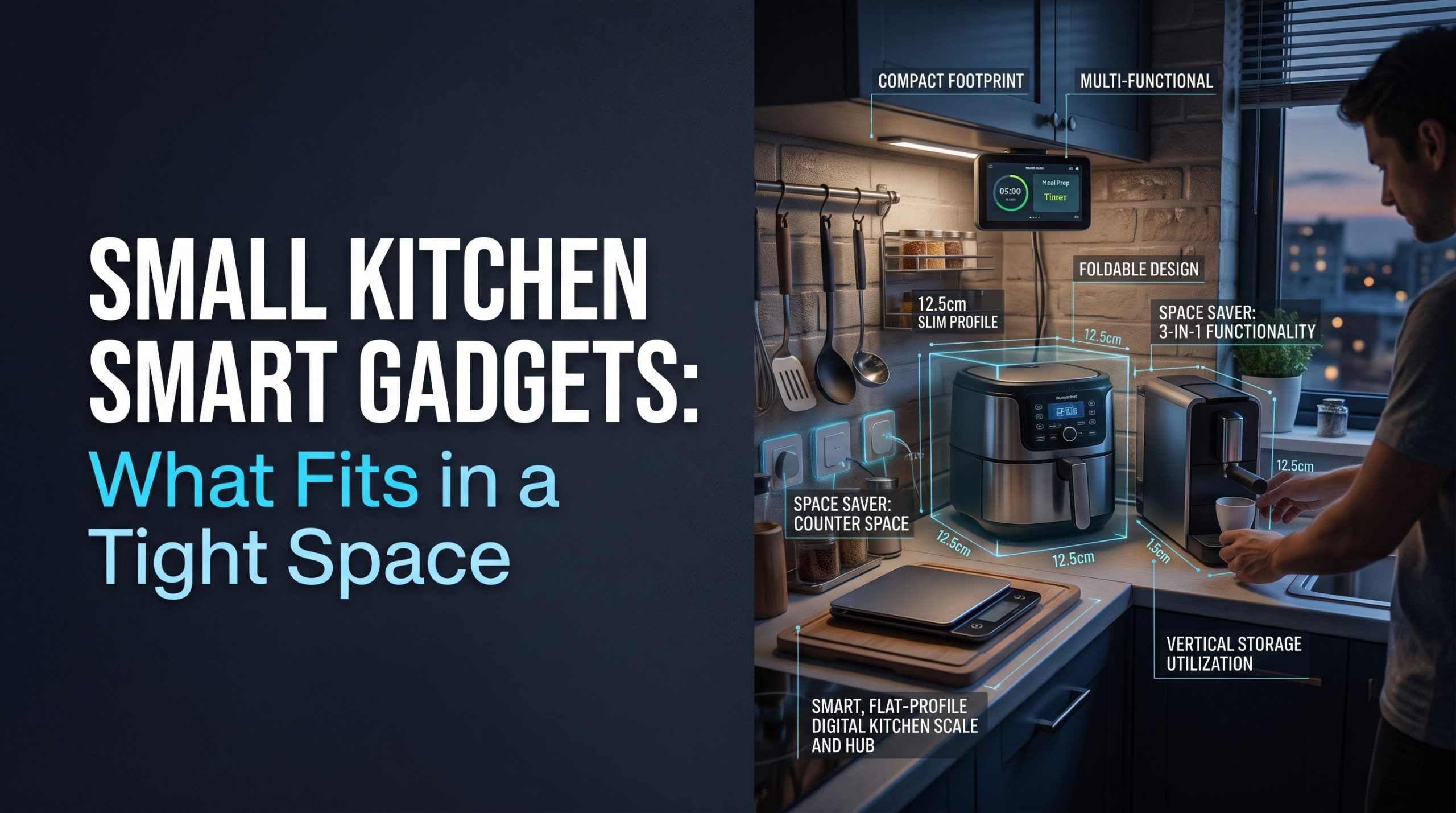
Short answer: The best small kitchen smart gadgets take up no counter space and no outlet at all. A battery leak sensor under the sink, a smart bulb in a fixture you already have, a wireless thermometer probe that lives in a drawer, and the phone or voice assistant you already own for timers cover most of what a connected kitchen offers. Spend counter space and an outlet only on an appliance you would own anyway, choosing a connected version if you want the app. Skip any gadget that adds a new footprint just to add an app.
That is the whole rule. The rest of this guide explains how to apply it when you have one free outlet, a short stretch of counter, and no wish to start a renovation.
Why small kitchens need a different rule
Most smart kitchen lists are written for kitchens with space to spare. They add a gadget for every task: one for coffee, one for weighing, one for sous vide, one for recipes on a screen. In a large kitchen, that is clutter. In a small one, it is the difference between having a place to chop an onion and not.
Small kitchens also run out of outlets before they run out of ideas. Each new countertop device wants a plug, and the usual workaround, a power strip on the counter, is exactly where safety guidance draws a line for the appliances that heat. So a small kitchen has two budgets to manage, not one:
- The counter budget: how many square inches of work surface a device takes.
- The outlet budget: how many wall outlets you have near the counter, and what is already plugged in.
A good small kitchen smart gadget is cheap on both.
The zero-footprint tier: smart without using counter or outlet
These are the connected devices that cost nothing in counter space and nothing in outlets. If you only add one layer of "smart" to a small kitchen, start here.
| Device | Where it lives | What it does | Counter cost | Outlet cost |
|---|---|---|---|---|
| Battery water leak sensor | Cabinet floor under the sink, beside the dishwasher | Alerts your phone if water appears | None | None |
| Smart bulb | A ceiling or pendant fixture you already have | Light on a schedule or by voice | None | None |
| Battery motion light | Stuck under a cabinet | Lights the counter when you walk in | None | None |
| Wireless thermometer probe | A drawer, then inside the food | Shows food temperature on your phone | None | None (charges in its own case) |
| Phone or existing smart speaker | Already in your home | Timers, conversions, shopping lists | None if already present | None if already present |
The leak sensor is the most useful one
Of everything on this list, a battery leak sensor does the most for the least. It sits on the floor of the sink cabinet, out of sight, and tells your phone when something drips. In a small kitchen, where the sink cabinet is often crammed with supplies, a slow leak can go unnoticed for a long time. A sensor makes no repairs and does not stop water, but it does turn a hidden problem into a notification.
Light without a new fixture
A smart bulb in an existing fixture is plug-and-play: it screws in like any bulb. Battery motion lights under the cabinets add task lighting without wiring. For a fuller plan, our guide on how to create a smart lighting setup in your home walks through the options. If you want permanently wired under-cabinet lighting, that is a job for a licensed electrician, not a gadget.
The assistant you already own
A phone or a smart speaker you already have can set multiple named timers, convert measurements, and add items to a shopping list. That covers several jobs that single-purpose kitchen gadgets are sold for. If you already use a morning routine, our piece on three easy routines to automate your morning shows how a kitchen step can fit into it.
The one-outlet tier: connected versions of things you would own anyway
Once the zero-footprint options are covered, the question changes. You are not asking "which smart gadget should I add?" You are asking "when I replace an appliance I already use, is the connected version worth it?"
That framing keeps a small kitchen honest. A connected multi-cooker or air fryer takes the same counter space as a non-connected one. If the app is useful to you, the connection adds convenience without adding footprint. If it is not, the connection adds nothing.
Questions to ask before you give an appliance a place on a small counter:
- Does it replace something, or add something? A multi-function cooker that replaces two older appliances frees space. A new single-task gadget takes it.
- Does it work fully without the app? You should be able to cook from the control panel if the app is slow, logged out, or no longer supported.
- Will it live on the counter or in a cupboard? A device you have to pull out and set up each time is less likely to get used.
- What will the app actually change? Remote alerts or progress updates can be handy. Many app features duplicate the buttons on the front.
We are independent and do not rank appliance brands. Connected and non-connected models exist across budget, mid-range and premium tiers, and the connection alone does not make an appliance cook better.
Small kitchen smart gadgets and the outlet problem
This is the section most lists leave out, and in a small kitchen it matters most.
Heat-producing appliances such as kettles, toasters, air fryers and coffee makers draw a lot of power. The U.S. Fire Administration's Appliance and Electrical Fire Safety page (read October 2, 2026) says to "always plug major appliances" directly into a wall outlet, warns "never use an extension cord with a major appliance" because it "can overheat and start a fire," and adds "do not overload power strips."
In practice, for a small kitchen, that means:
- Plan around your wall outlets, not around a power strip. Decide which heating appliance gets which outlet.
- Avoid running several heating appliances at once from a crowded strip. Low-power devices like a speaker or a phone charger are a different matter from a kettle.
- Keep cords off the edge of the counter where they can be pulled or caught.
- Do not put a heating appliance on a smart plug just to schedule it. Scheduling power to a device that heats, and was not designed to start unattended, creates a hazard that convenience does not justify.
- If you are always short of outlets, the fix is more outlets, not more strips. Adding a wall outlet is work for a licensed electrician. It is not a do-it-yourself job, and no gadget changes that.
If an outlet or plug feels warm, stop using it and have an electrician check it.
Gadgets that rarely earn their space in a small kitchen
Some connected devices are useful in a large kitchen and hard to justify in a small one. None of these are bad products. They are simply expensive in counter space for what they add.
- Single-purpose app gadgets that do one job a phone timer or an ordinary tool already does.
- A dedicated countertop smart display if you already have a phone or tablet that can show recipes. A simple stand does the same job and folds away.
- Smart appliances that duplicate one you already own, bought for the app alone.
- Anything you would need a power strip to run alongside your existing heating appliances.
Keep the network side tidy too
Even a few small devices are a few more things on your home Wi-Fi, each with an account and a password. In a small home that is easy to forget, because nothing looks like "a smart home." A unique password for each account, two-step login where offered, and current firmware matter as much for a leak sensor as for a camera. Our guide to securing your Wi-Fi before adding smart home devices covers the basics.
A simple order of upgrades
If you want a step-by-step path that respects the space you have:
- First: a battery leak sensor under the sink.
- Second: use the phone or speaker you already own for timers and lists.
- Third: a smart bulb or battery motion light for better task light.
- Fourth: a wireless thermometer probe if you cook meat often.
- Only then: when an existing appliance needs replacing, consider the connected version, and give it a wall outlet of its own if it heats.
For a wider look at what is genuinely useful in a connected kitchen, see our overview of smart kitchen gadgets that change the way you cook.
FAQ
What smart gadgets work best in a small kitchen?
The ones that use no counter space or outlet: a battery leak sensor under the sink, a smart bulb in an existing fixture, a battery motion light under a cabinet, a wireless thermometer probe, and the phone or smart speaker you already own for timers.
Can I use a power strip for kitchen appliances in a small kitchen?
The U.S. Fire Administration says to plug major appliances directly into a wall outlet and not to overload power strips. Treat heating appliances such as kettles, toasters and air fryers the same way, and give each one a wall outlet.
Is a smart appliance worth it if I have little counter space?
Only if it replaces an appliance you would own anyway. A connected version takes the same space as a non-connected one, so the question is whether you will use the app, not whether you have room.
Should I put my kettle or coffee maker on a smart plug to schedule it?
Generally no. Scheduling power to a heating appliance that was not designed to start unattended adds risk. Look for an appliance with a built-in timer or scheduling feature designed by its maker, and follow its manual.
What if my small kitchen does not have enough outlets?
The safe fix is more wall outlets, installed by a licensed electrician. Relying on extension cords or chained power strips for kitchen appliances is a fire risk, not a solution.

I’m John Smith, the founder of Homegadgetguru.com. I use my IT background to extensively test home automation setups in my own house, giving you the hands-on, practical advice you need to build a smarter, more connected home.